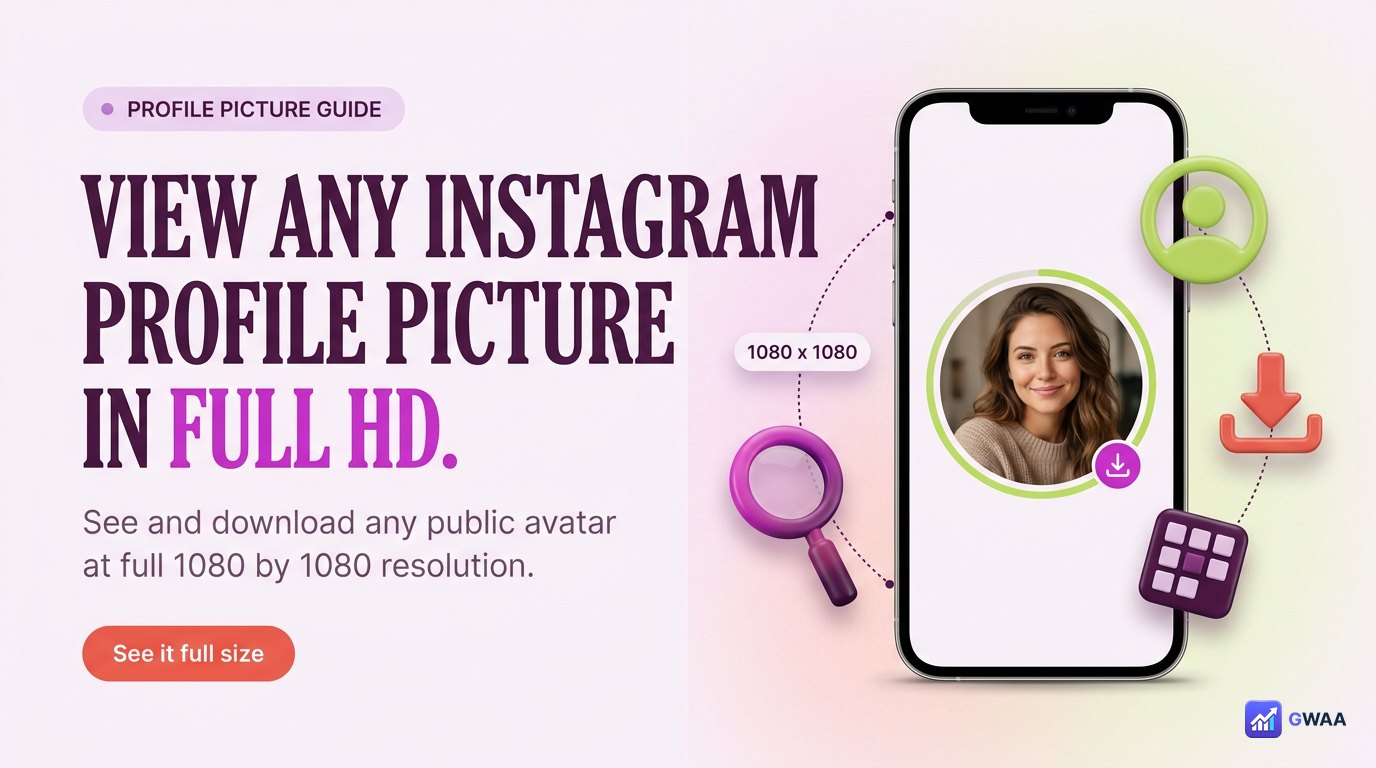
To view any public Instagram profile picture in full HD: use a profile-picture viewer tool. Type the public username, the tool fetches the original 1080x1080 avatar from Instagram’s public endpoint, you can view or download it in HD. Free, no login, public accounts only. Instagram itself displays profile pictures at just 110x110 pixels in the app and offers no in-app way to enlarge or save them.
⚡ Key takeaways
- Instagram displays profile pictures at 110x110 in the app — tiny by design.
- The original uploaded version is 1080x1080 HD — ~10x larger resolution.
- Web-based profile picture viewers fetch the HD version from the public endpoint.
- Public profiles only — private accounts have no accessible avatar at HD.
- Legitimate uses: press kits, design references, podcast guest thumbnails, brand monitoring.
Why Instagram shows them tiny

Three reasons Instagram’s profile pictures look small in the app:
- Bandwidth. 110x110 pixels is around 5KB. 1080x1080 is around 80-200KB. Multiplied by millions of profile views per second, the difference is significant infrastructure cost.
- UI density. The Instagram interface packs lots of profiles into small spaces (story rings, follower lists, search results, comment authors). Each one only gets a tiny circle — full-size HD would break the layouts.
- Privacy by default. Smaller display makes it slightly harder to repurpose someone’s face from their profile. Instagram doesn’t expose the HD version anywhere in the official app.
None of these reasons mean the HD version doesn’t exist — it does, on Instagram’s servers. It’s just not accessible through the app.
The three-step viewing process

Using a profile-picture viewer:
- Open the viewer site (browser, mobile or desktop).
- Type the public username into the search field. No
@needed. - View or download. The HD avatar loads in your browser. Save it like any normal image (long-press on mobile, right-click on desktop).
That’s the entire workflow. Under 30 seconds.
Five tools worth knowing

The top tools in 2026:
- GWAA Profile Picture Viewer — free, no login, no ads, HD download.
- InstaDP — the original profile-picture-download specialist. Reliable, some banner ads.
- ProfilePicViewer — clean UI, fast loads, occasional ad interstitials.
- SaveInsta — profile-picture is one feature among many. Works fine.
- InstaProfile — older but stable. Plain interface.
For most use cases, any of the top three works. Pick by interface preference.
Five legitimate use cases

Why people legitimately need HD profile pictures:
- Press kits. When a journalist or publication writes about a creator, they need the creator’s photo at print resolution.
- Design references. Designers building social-media mockups for clients reference the actual avatars.
- Podcast guest thumbnails. Podcast episodes need square thumbnails featuring the guest — the 1080x1080 Instagram avatar is often the best available source.
- Brand monitoring. Marketing teams maintain visual rosters of influencers, competitors, partners. HD avatars make those rosters professional.
- Internal team rosters. Larger organizations may maintain visual directories of social media contacts they work with.
These uses are normal professional workflows. The tool just makes accessible what Instagram chose not to surface in-app.
Resolution comparison

The resolution gap is dramatic:
- 110 x 110 pixels: what Instagram’s app shows. Roughly 12,100 total pixels.
- 320 x 320 pixels: what the Instagram website shows on hover.
- 1080 x 1080 pixels: the original upload size. Roughly 1,166,400 total pixels.
The original is ~100x more total pixels than the app display. The detail loss in the app is severe — faces blur, fine details disappear, any text on the avatar becomes unreadable.
Public profiles only

The rule is consistent with all anonymous Instagram tools: only public profiles are accessible.
- Public account: avatar is served by Instagram’s public profile endpoint at full resolution. Viewer tool fetches it cleanly.
- Private account: Instagram refuses to serve the HD avatar to any external request. The tool returns "not found" or the default placeholder.
This isn’t a viewer limitation — it’s Instagram’s server-side block. No tool can bypass it.
No login, no install, no ads

Real anonymous profile-picture viewers are free across every dimension:
- Free. No paywalls. The data is public; charging is rent-seeking.
- No login. Asking for your Instagram credentials is a guaranteed scam.
- No install. Browser-based. No app to download.
- No ads. The best tools (e.g. GWAA) are ad-free. Older tools may have banner ads but never gated content.
If a tool fails any of these checks, switch to another. Plenty of clean options exist.
Where downloads land

Once you download:
- Mobile: the avatar file saves to your phone’s Photos or gallery (iOS Photos or Android gallery).
- Desktop: standard browser download — lands in Downloads folder.
- Filename: usually
username-profile-pic-timestamp.jpgor similar pattern depending on the tool. - Format: JPG (or PNG if the original was uploaded as PNG).
Treat the file like any normal photo — back it up, edit it, use it in your design tool. Nothing about it flags as "downloaded from Instagram."
Use it well, respect privacy

The basic rules of responsible use:
- Don’t re-upload as your own avatar. Impersonation. Don’t.
- Don’t remove the creator’s identity. If you use it in design, credit the original creator.
- Don’t use for fake-profile creation. Building bot accounts with stolen real photos is illegal in many jurisdictions and unambiguously wrong.
- Don’t use for harassment. Manipulating someone’s avatar for memes or hostility is not what the tool is for.
The tool is for legitimate research, design, and editorial use. Honor that.
What’s legal vs not

The boundaries:
- FINE (legal in most jurisdictions): personal viewing, design references, press kit assets with attribution, archival.
- NOT OK: impersonation (creating accounts that look like the original person), fake-profile creation, commercial use without the person’s permission, harassment, manipulating the image to misrepresent someone.
If your use is in the first column, you’re fine. If it’s in the second, don’t do it — legal exposure adds to ethical wrong.
Why doesn’t Instagram offer this in-app?
An obvious question: if the HD version exists on Instagram’s servers, why doesn’t the app let you view or download it? Three reasons:
- It would reduce profile picture privacy. An "easy download" button would normalize harvesting avatars at scale.
- It would increase impersonation risk. Easier access to HD photos = easier fake-profile creation.
- The legitimate use cases are niche. Most users never need the HD version. Building a feature for the few would feel like prioritizing the wrong audience.
So the HD version stays on the servers, accessible through the public endpoint but not surfaced in the app. Web viewers fill that gap for people with legitimate needs.
JPG vs PNG vs WebP
Instagram stores most avatars as JPG — smaller file size, universal compatibility. Some are PNG (uploaded that way) and Instagram preserves the format. Modern Instagram may serve WebP variants to compatible browsers for bandwidth optimization, but the underlying stored file remains JPG or PNG.
What you get when you download depends on the tool: most serve the JPG. Filename will be either username-pic.jpg or sometimes username-pic.png if the original was PNG. Either format works in any design or editing tool.
Alternative routes (less clean)
Other ways to get a higher-res avatar, with caveats:
- Tagged photos. If the person is tagged in friends’ posts, those tagged photos often show their face at higher resolution than the avatar itself.
- Direct ask. If you have a legitimate reason (press kit, design project), DM the person and ask. Many creators will share their HD avatar directly.
- Their other platforms. Twitter, LinkedIn, TikTok may have the same avatar at higher resolution.
For one-off needs, these can be faster than a viewer tool. For bulk research, the tool is more efficient.
Designer-specific use cases
For graphic designers, the HD avatar is a common reference material:
- Social media mockups. When designing a post, story, or campaign for a client, designers often need to mock up how it’ll look on the actual profile. The real avatar makes the mockup believable.
- Branding decks. Brand identity presentations often need to show how the logo translates to a profile avatar. The current avatar at HD is the source.
- Marketing campaign assets. Influencer collab graphics need both brands’ visual identity, including both avatars.
- Portfolio shots. Designers showing their work via "before/after" of accounts they helped need to capture the original avatar at usable resolution.
These uses don’t exist because of bad intent — they exist because professional design work needs reference images at print or screen resolutions.
Podcast and content creator uses
Podcast hosts featuring guests need consistent thumbnail formatting. The HD Instagram avatar is often the cleanest available reference:
- Episode thumbnails. Square format (1080x1080) matches the Instagram avatar aspect ratio exactly. Drop into your thumbnail template.
- Show artwork. If multiple regular guests appear, a "wall of guests" graphic looks professional with HD avatars.
- Promotional clips. Cutting clips with the guest’s face overlaid uses the HD source.
- Social media promotion. Tweets or Instagram posts about the episode benefit from including the guest’s avatar prominently.
Standard professional courtesy: tell the guest you used their avatar. Most will be flattered; some may prefer you use a different photo they send you instead.
Brand and competitive monitoring
Marketing teams tracking competitors or influencer landscapes maintain visual rosters. The HD avatar makes these rosters scan-able and professional:
- Competitor map. Visual grid of competitor accounts with their current avatars, refreshed quarterly to capture rebrands.
- Influencer database. Each entry includes username, niche, follower count, AND avatar — visual recognition matters when scanning dozens of accounts.
- Customer roster. B2B teams tracking which brands use their product visually reference each brand’s current Instagram identity.
This isn’t creepy — it’s standard business research, the same work a journalist or analyst would do, just with visual aids.
The HD avatar in two numbers

Two numbers worth remembering: 110 pixels (what Instagram shows in the app) and 1080 pixels (the original upload). The viewer tool just gives you the 1080 version that was always there.
Use it for legitimate professional needs — press kits, design references, podcast thumbnails. Respect the people whose faces it shows. The platform stays clean for everyone when individual users use these tools responsibly. The tool exists because there’s a real gap between what Instagram surfaces and what professionals legitimately need to do their work.
Batch workflows for teams
If you need many avatars (vetting a list of influencers, building a competitor matrix), batch workflows save time:
- Compile your username list first. Don’t fetch one at a time as you think of them — queue them all in a spreadsheet.
- Pick one tool, stick to it. Different tools name files differently. Consistent file naming makes the resulting set easier to organize.
- Fetch in sets of 20-30. Most viewer tools handle this volume without rate-limiting. Larger batches may hit per-IP caps.
- Move to a labelled folder immediately. "Competitor avatars Q2 2026", "Podcast guests 2026", etc. Past-you will thank present-you.
- Refresh periodically. Avatars change. Quarterly refresh of important roster sets keeps your visual references current.
Total time for a 30-account batch with this workflow: roughly 15 minutes. Faster than asking each person individually.
Related guides
- Best profile viewer tools 2026 — broader profile viewer category.
- How to find someone’s Instagram profile — the discovery layer before viewing.
- How to spot a fake account — verifying avatars in research workflows.
- View highlights anonymously — related anonymous-viewing pattern.
- Anonymous viewer playbook — broader tool category context.