No. Instagram does not show anyone who visited your profile. Profile visits are anonymous by design — not logged by name, not visible to the account owner, not surfaced by any legitimate tool. The aggregate count appears in Creator Insights for owners with business or creator accounts, but the individual visitor names are never tracked. Apps that claim to show "who viewed your profile" are scams.
⚡ Key takeaways
- Profile visits are NOT logged by name — not in the app, not in Insights, not anywhere.
- Stories DO log viewers by name; posts log likes and comments — these are visible by design.
- Creator Insights shows the COUNT of profile visits, never the individual names.
- Every "who viewed my profile" app is a scam — password phishing, survey funnels, or fake content.
- Anonymous browsing is a deliberate Instagram design choice, not a glitch waiting to be exploited.
The short answer
If you remember one thing from this page: Instagram does not show profile visitors. Period. The platform was built that way intentionally, and no setting, hack, third-party app, or "premium account" changes it.
This applies to every account type — personal, creator, business, verified, brand. None of them see who visited their profile. The system that logs viewer names for stories does not extend to profile visits, and the system that logs likes/comments on posts does not extend to passive profile browsing.
What IS logged visibly
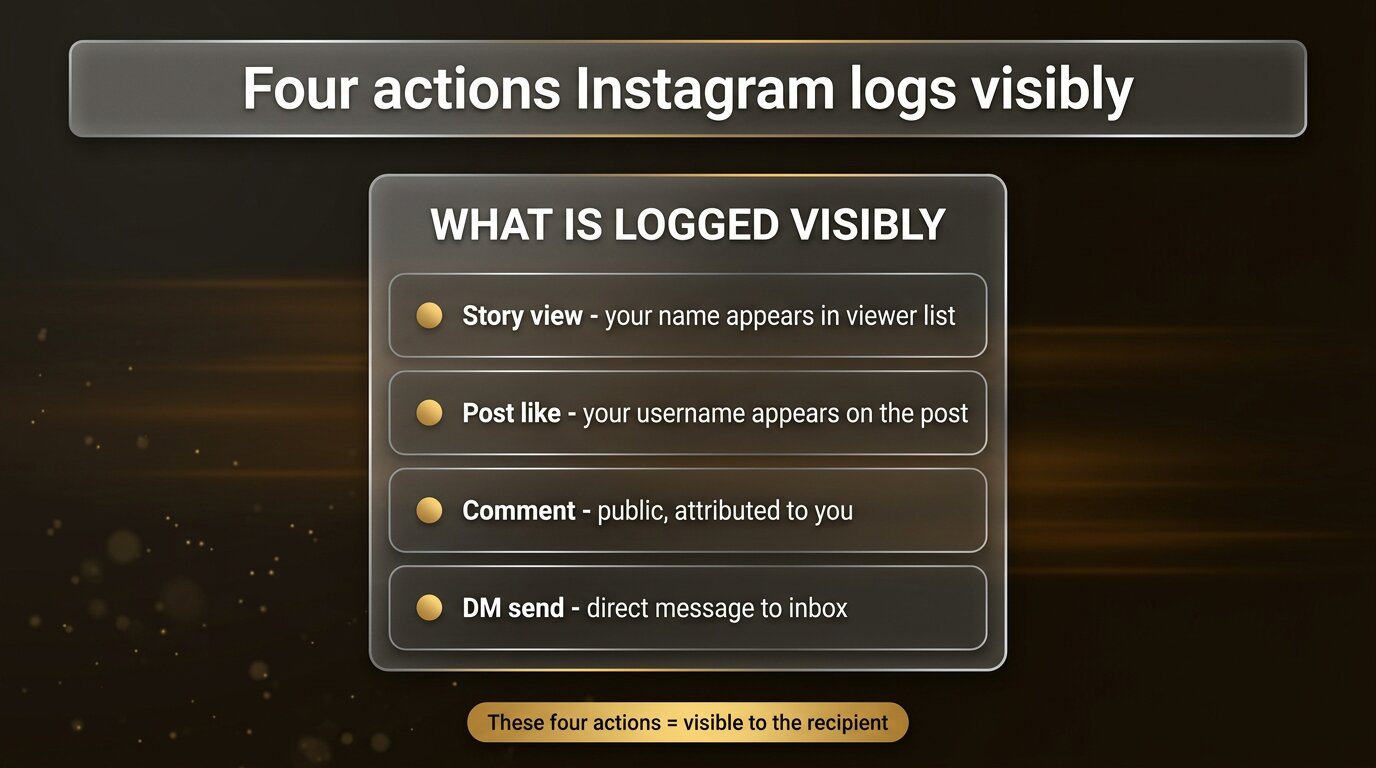
To be precise about what Instagram does and doesn’t share, here are the four actions that DO get logged with your name attached:
- Story view. Your username appears in the owner’s viewer list when you watch their story through the app. This is the most visible logged action.
- Post like. When you tap the heart on a post, your username appears in the like list. Anyone who can see the post can see who liked it.
- Comment. Your comment is attributed publicly to your account, visible to everyone who can view the post.
- Direct message. The DM lands in the recipient’s inbox, attributed to your account.
These four are the only interactions Instagram surfaces by name. Everything else — including the most common form of activity, namely browsing — is private.
What is NOT logged
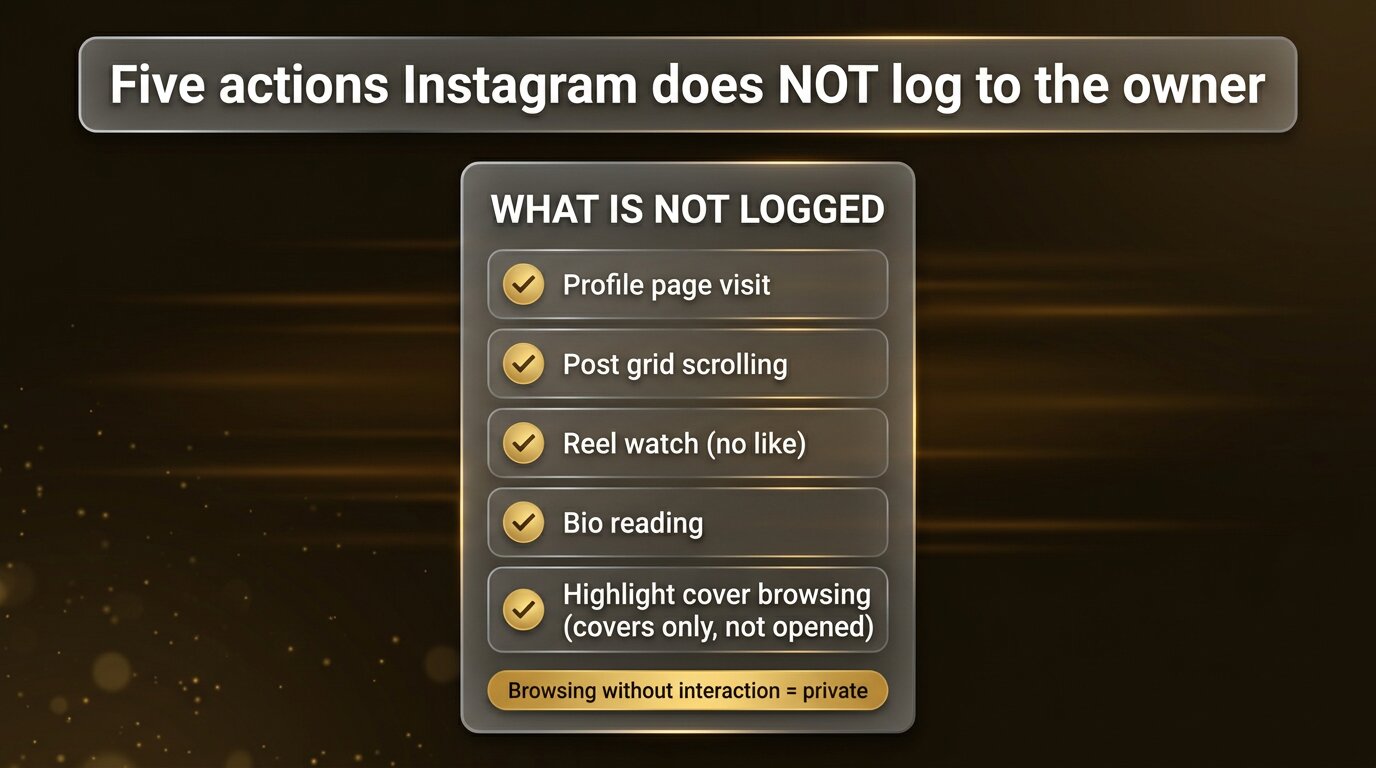
The list of things Instagram does not log to the account owner is longer than the list of things it does:
- Profile page visit. Visiting someone’s profile (tapping their username, navigating to their URL) is not logged.
- Post grid scrolling. Scrolling through someone’s posts on their profile leaves no trace.
- Reel watch without engagement. Watching a reel without liking or saving leaves no trace to the creator.
- Bio reading. Reading bio text, link in bio, contact info is invisible.
- Highlight covers browsing. Viewing the row of highlight covers (without opening individual albums) leaves no trace. Opening a highlight, however, logs you as a viewer of the stories inside.
This is the core distinction: interaction is logged (story view, like, comment, DM), passive browsing is not (profile visit, scroll, read).
Creator Insights shows count, not names
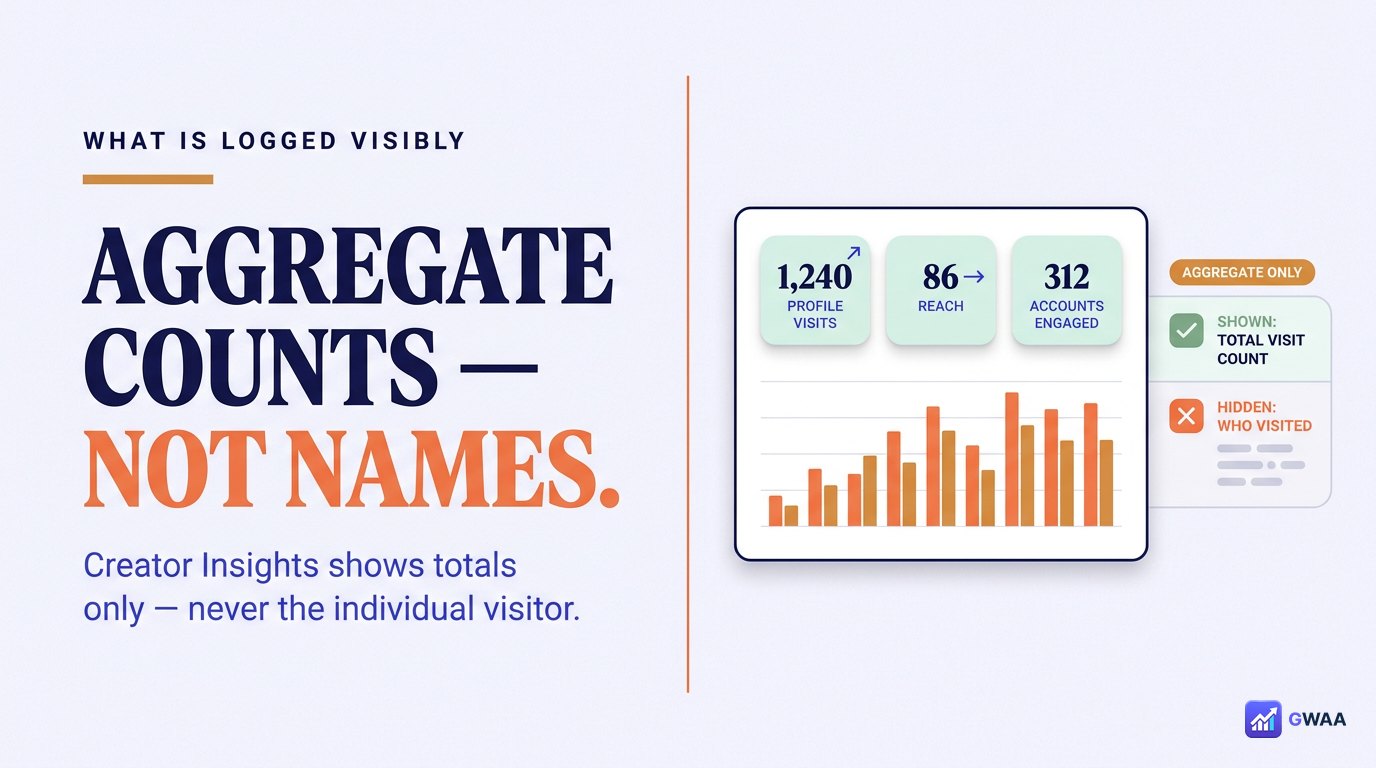
If you have a Creator or Business account, Instagram’s built-in Insights dashboard shows you analytics. People sometimes assume "profile visits" in Insights means "list of visitors," but it doesn’t. Insights shows:
- Total count of profile visits in the last 7 days / 30 days / 90 days
- Total reach, impressions, engaged accounts
- Followers gained or lost
- Best-performing posts
What Insights does NOT show:
- Any names of individual visitors
- Any list of who visited
- Any way to drill from "profile visits: 1,240" down to who those 1,240 people were
The aggregate count is enough for content strategy decisions. Visitor identification was never part of the design.
Three scams pretending to show visitors
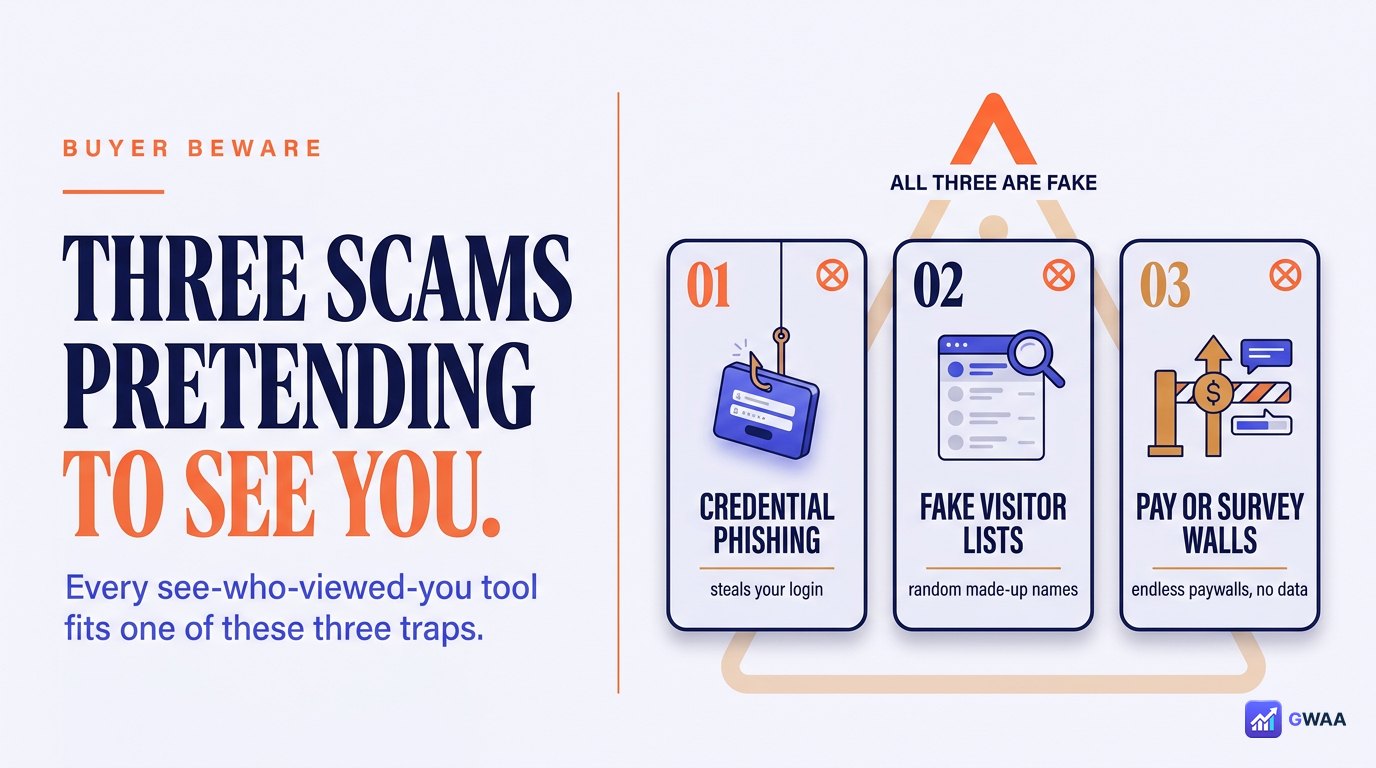
Sites and apps that advertise "see who viewed your Instagram profile" almost always fall into one of three scam categories:
- Password phish. The app or site asks for your Instagram login "to fetch visitor data." Reality: it harvests your credentials and sells them or uses them to compromise your account.
- Survey funnel. The site shows a fake loading bar with names being "fetched" then demands you complete a survey to "unlock" the results. The survey is ad-fraud monetization. No real names exist.
- Fake content. The app shows random Instagram usernames it scraped or generated, pretending they visited you. None of them actually visited — the data is invented.
All three rely on the same hope — that there’s a clever workaround when there isn’t. There isn’t.
Stories are different — viewers are logged
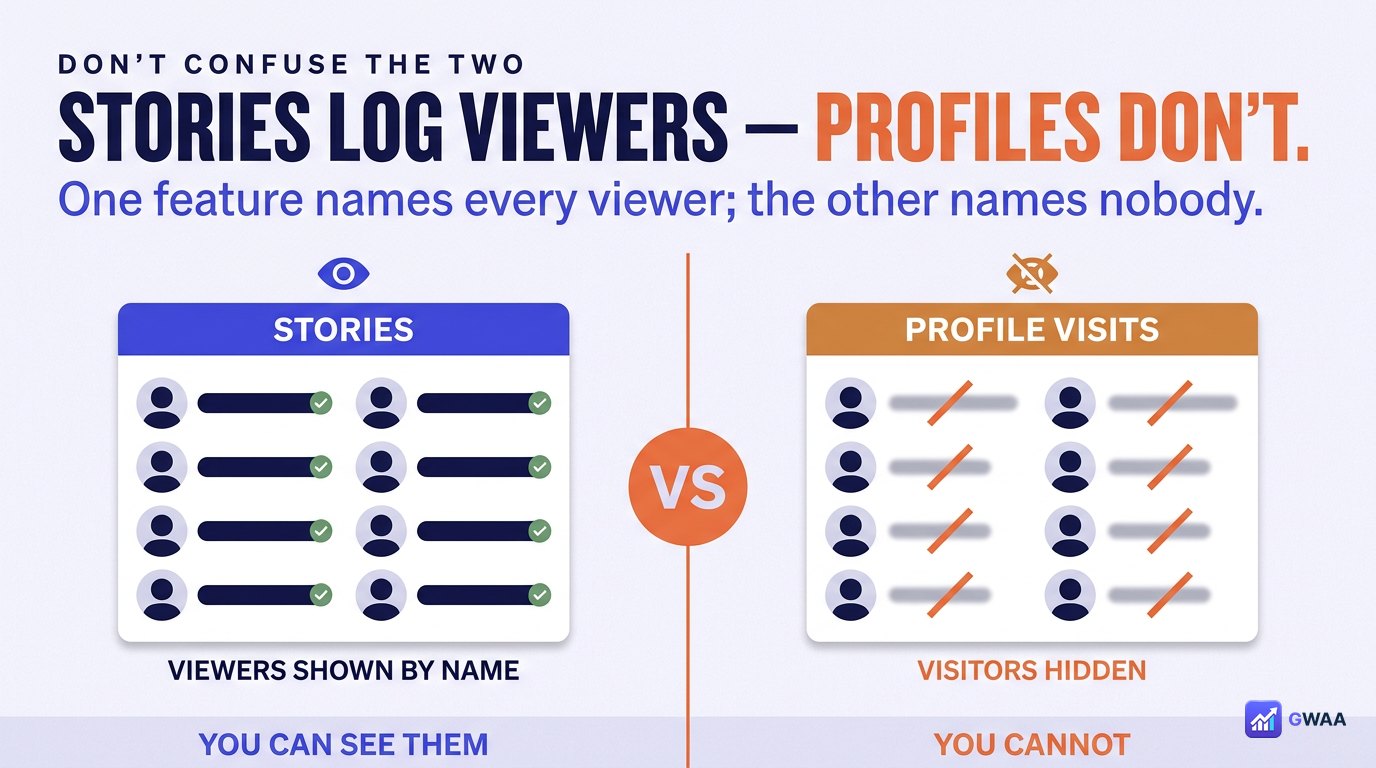
The most common confusion: people see the story viewer list and assume profile visits work the same way. They don’t.
When you watch someone’s story through the Instagram app, your username appears in their "Seen by" list for that story. This is visible to the story owner. It’s a clear, intentional design choice — stories are interactive content where the creator benefits from seeing engagement.
Profile visits are different. Walking past a billboard is not interaction; tapping a sign-up button is. Instagram treats profile visits the same way — passive walking-past, not logged.
How anonymous viewers bypass the story view log

Since story views ARE logged, third-party "anonymous story viewer" tools exist for exactly this case — not profile visits (which don’t need bypassing). They work via server-side fetching:
- You type a public username into the tool’s website.
- The tool’s server fetches the public story content from Instagram’s public endpoint.
- The server sends the content to your browser.
- Instagram sees the tool’s server visiting, not you — so no view event fires for your account.
This works for the things Instagram DOES log (stories, highlights, reels with timestamps). It’s not needed for profile visits because nothing was being logged in the first place.
Even business accounts cannot see visitors
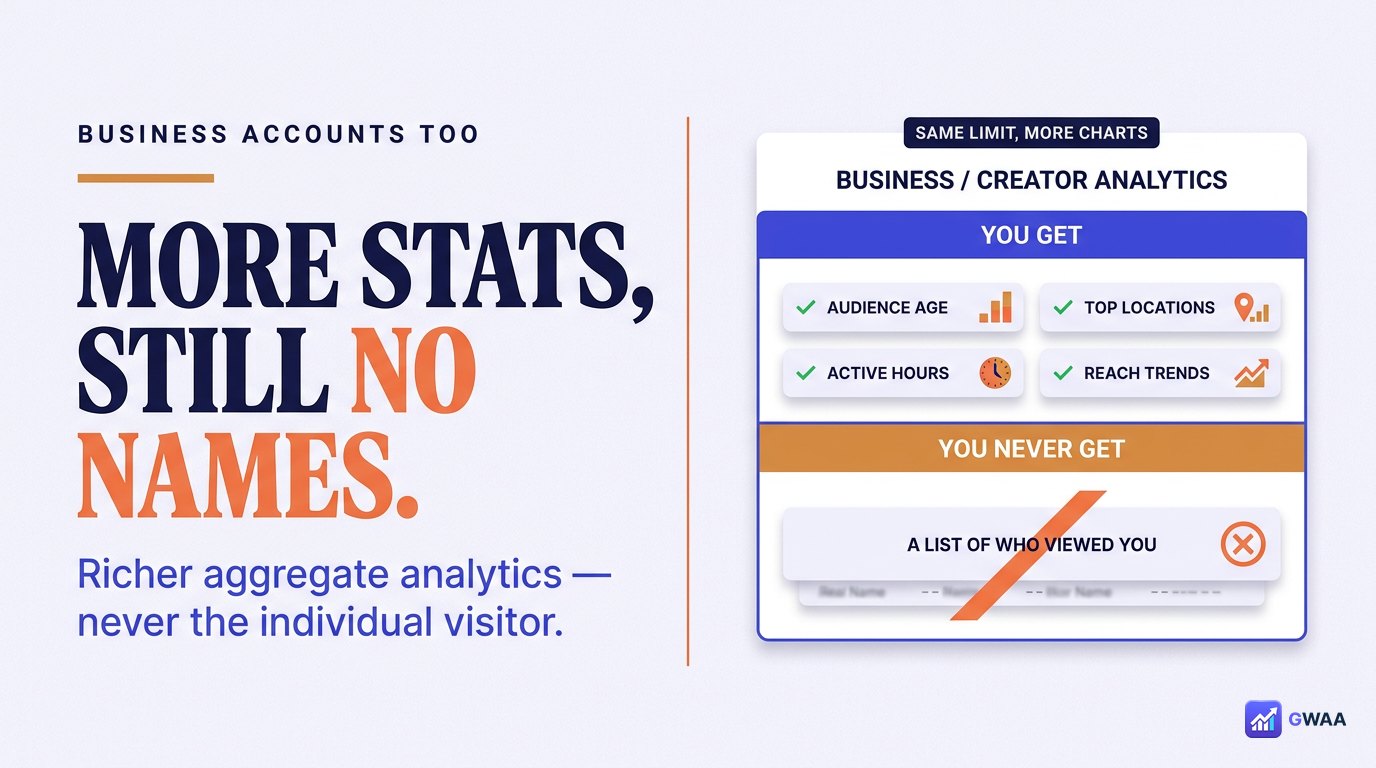
A common misconception: "business accounts have access to more analytics, so they must see who visits." False. Business and Creator accounts get richer aggregate analytics:
- Profile-visit count
- Reach
- Audience demographics (age range, gender, location — all aggregate)
- Best-performing posts
- Best-time-to-post heatmaps
But the granularity stops at "count" and "aggregate demographics." Individual identification of visitors was never part of the Creator account tier and never will be. If Instagram added that, the platform would lose users immediately to competitors that respect privacy.
The "suggested for you" list is not visitor data
Another common confusion: the row of "Suggested for you" accounts that appears in your followers list / explore feed. People assume the algorithm puts accounts that recently visited you at the top. It doesn’t.
The actual signals that drive that list:
- Mutual follows — accounts followed by people you also follow.
- Synced contacts — if you allowed contact sync, matching accounts surface here.
- Location proximity — accounts active near your IP or device location.
- Interaction history — accounts you’ve interacted with via likes, comments, DMs (not visits).
- Topical similarity — accounts that post about content you engage with.
No "visited my profile" signal exists in this list because no visit data exists to feed into it. The suggestions are about mutuals, contacts, and interests — not surveillance.
Five common myths busted
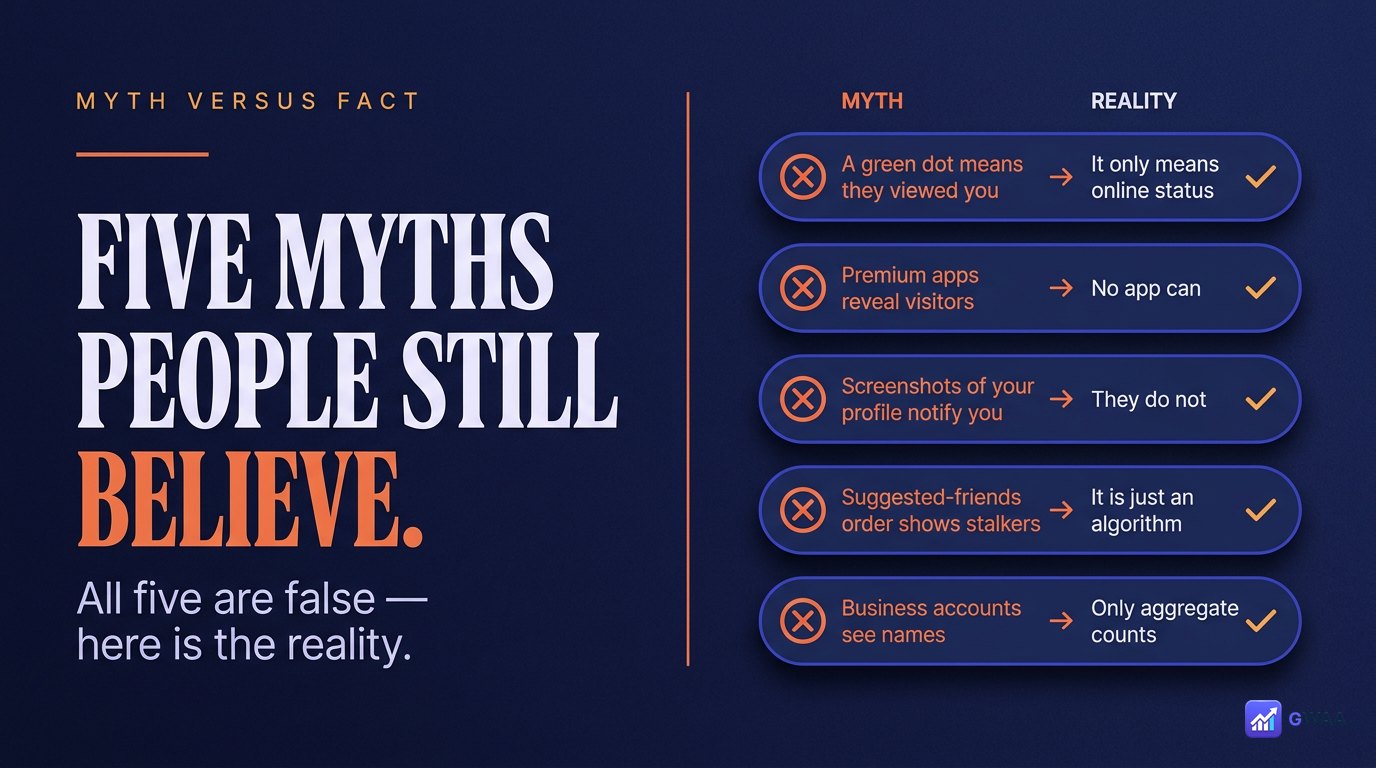
The five most persistent myths:
- Profile viewer apps work — false. Every single one is a scam.
- The algorithm shows recent visitors at the top of your followers list — false. Top-of-list ordering is based on recency of interaction and algorithmic affinity, not visits.
- People who frequently view you appear in your followers suggestions — false. Suggestions are based on mutual follows, location, contacts.
- Private accounts can see all their visitors — false. Private accounts limit who CAN visit, but the visitor list within that smaller group is still not shown.
- There’s a hidden setting that enables visitor tracking — false. No setting, no beta feature, no premium tier exposes this.
Why Instagram designed it this way
The design choice isn’t accidental. Anonymous profile browsing serves several intentional goals:
- Reduces social anxiety. If users knew every visit was logged, they’d stop checking ex-partners, competitors, crushes, exes-of-friends — all the casual browsing that drives engagement.
- Encourages free browsing. Free browsing means more time on platform, which means more ad impressions, which is Instagram’s actual business model.
- Privacy is a feature. The platform that respects "look without telling" wins over the platform that logs every glance.
- Aggregate metrics are enough. Creators don’t need individual visitor names to make content decisions — they need counts and demographics, which they get.
"What if Instagram changes this someday?"
Reasonable question. Two reasons why it almost certainly won’t:
- User backlash would be severe. The first time Instagram launched a "see who viewed your profile" feature, the headlines and competitor migration would be immediate. The platform has consistently rolled back even smaller privacy regressions when users protested.
- Regulators would notice. EU GDPR and similar regulations require meaningful user consent for personal-data tracking. Logging "person X looked at profile Y at time Z" without consent on both sides would invite the kind of investigation Meta does not want.
Could a future feature show aggregate visitor data with more granularity (e.g. visitor count by location or follower-vs-non-follower split)? Possibly. Will it surface individual names? Vanishingly unlikely.
What about pro influencer-marketing tools?
Some paid influencer-marketing platforms claim to provide "audience insights" that look like visitor lists. They’re not, technically:
- Audience demographics. Aggregate breakdowns of followers — not visitors. Sourced from public-profile data and statistical inference, not from a visitor log.
- Engagement attribution. Lists of accounts that commented or liked — which Instagram already shows publicly. Not visitors.
- Story-view exports. Story viewer lists exported into spreadsheets — same data Instagram shows in the app, just easier to work with. Story views are logged (we covered this); profile visits are not.
If any tool claims to export "profile visitor lists" specifically, it’s either misrepresenting what it does, or it’s in the scam category. There is no legitimate underlying data source.
What creators can actually do with the data they get
Even without visitor names, the aggregate data Instagram provides is genuinely useful for creators who think strategically about it:
- Profile visit count trends. A spike usually means a post just hit, a creator just tagged you, or a hashtag broke through. Worth investigating to identify the trigger and replicate it.
- Visit-to-follow conversion ratio. If 1,000 people visited but only 12 followed, your bio / featured posts aren’t converting. Audit the first impression.
The honest answer
The honest, complete answer to "do Instagram profile views show?" is no. Profile visits are not logged by name. They never have been. Any tool, app, or service that claims otherwise is selling a scam.
Browse the profiles you want to browse. Check on competitors, exes, friends, brands, celebrities — nobody sees that you visited. The four actions you should be mindful of are story views (yes, logged), post likes (yes, public), comments (yes, public), and DMs (yes, attributed). Everything else is anonymous by default.
Related guides
- How to view Instagram profiles anonymously — deeper dive on anonymous viewing tools.
- The honest truth about private viewers — the matching debunk for "see private accounts" claims.
- Instagram profile analytics explained — what public-data analytics tools can and can’t see.
- View Instagram highlights anonymously — the parallel for highlight-content anonymous viewing.
- Who viewed your Instagram story — the related "what about stories?" question.