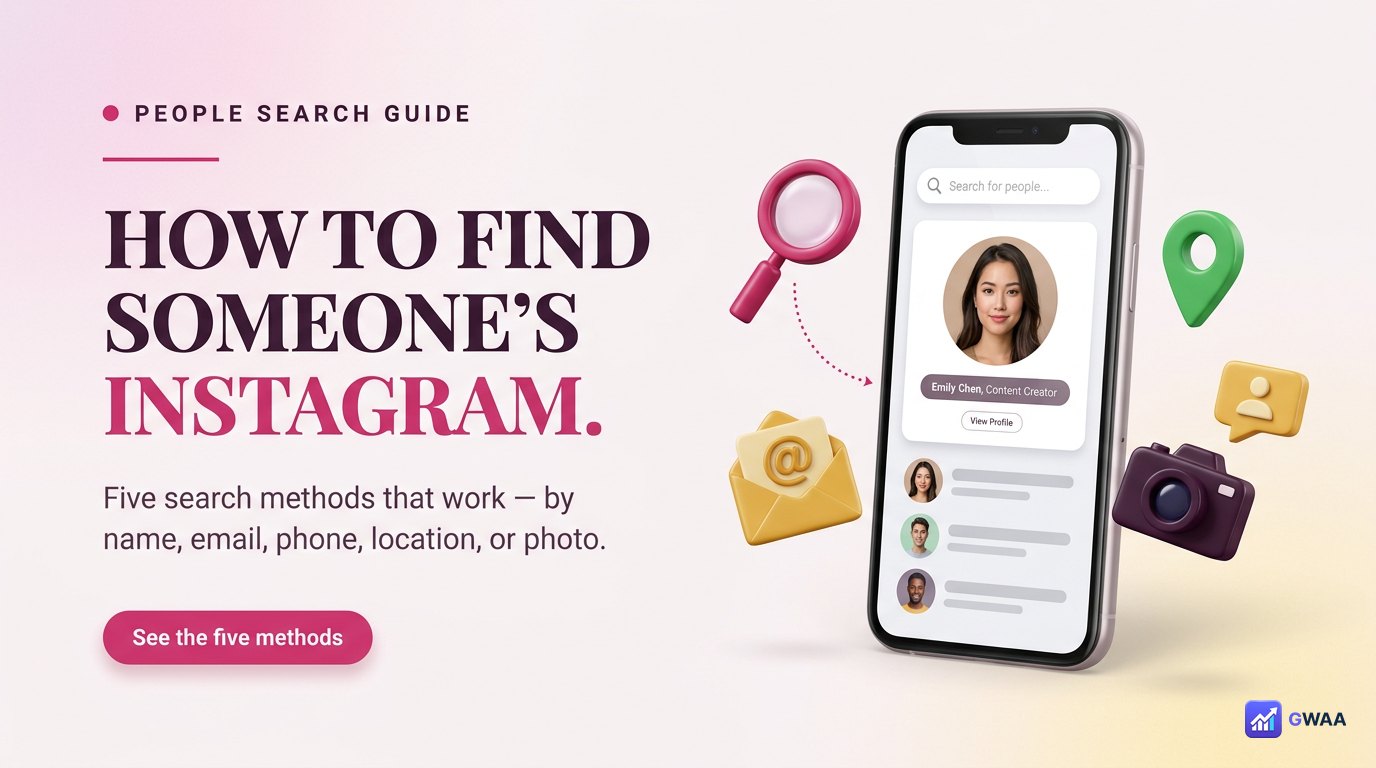
To find someone’s Instagram profile, try five methods in order: (1) search their full name + a niche keyword, (2) sync your contacts to find via email or phone, (3) check their tagged location for posts, (4) reverse-image-search a known photo, (5) check their bio links on TikTok / LinkedIn / Twitter. Most people are findable in 2-3 attempts. Some choose to be hard to find — respect that signal.
⚡ Key takeaways
- Five search methods, ranked by success rate: name + keyword, email/phone sync, location, reverse-image, cross-platform.
- Full name alone almost never works for common names — add a niche keyword (city, job, hobby).
- Contact sync is the highest-success method when you have email or phone — privacy-respectful, opt-in on both sides.
- Reverse-image-search via Google works when you have a photo but no name.
- Most people’s Instagram username appears in their TikTok / LinkedIn / Twitter / YouTube bios.
Method 1: Search by name + niche keyword
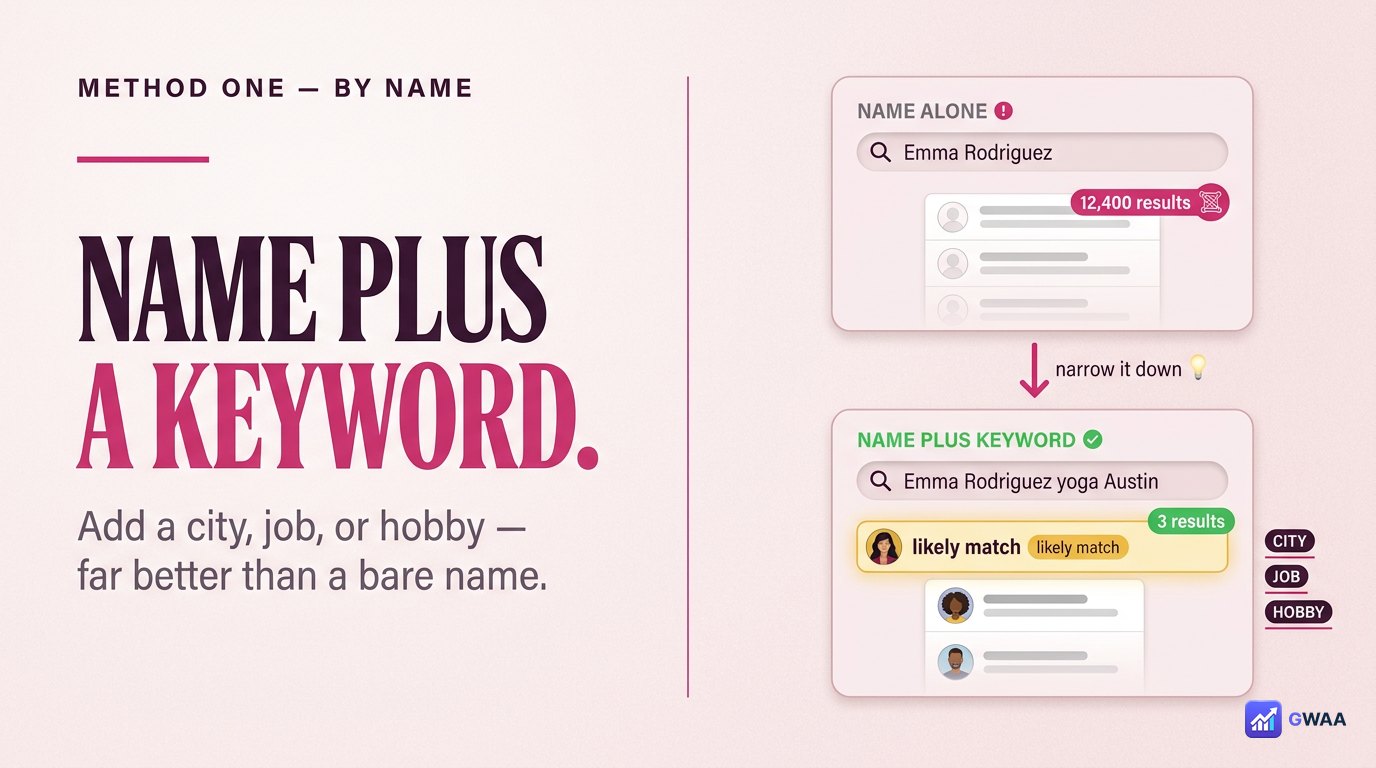
Instagram’s built-in search is your first stop. But searching just “Emma Rodriguez” returns thousands of accounts with that name and you’ll never scroll to the right one.
The trick: add a niche keyword. “Emma Rodriguez photographer” or “Emma Rodriguez Brooklyn” or “Emma Rodriguez marathon” narrows the search dramatically. Instagram’s algorithm weights bio keywords heavily, so a single niche word usually surfaces the right person within the top 3 results.
Verified ticks appear first in search results, so if the person you’re looking for is a public figure, this method finds them immediately.
Method 2: Find via email through contact sync
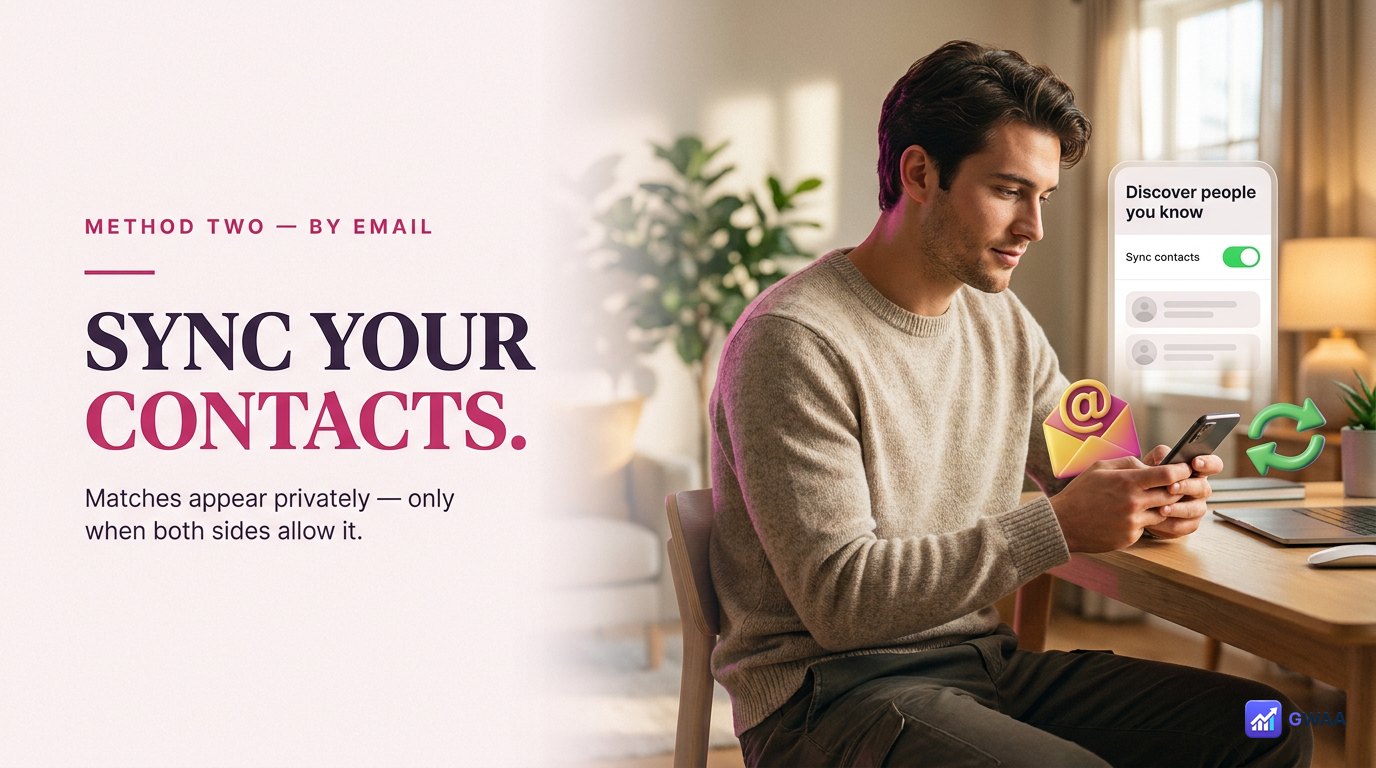
Contact sync is the highest-success search method when you already have someone’s email address. In Instagram’s “Discover people you know”, allow contact sync. Instagram silently checks which of your contacts have Instagram accounts and surfaces them as suggestions.
This is privacy-respectful: the match only appears if the other person also has contact sync enabled. If they’ve turned it off, they remain unfindable through this method — which is the point. Privacy-conscious users can opt out, and those who do stay invisible to your search.
Best for: reconnecting with someone whose email you have but whose Instagram username you don’t know. Old classmates, former colleagues, people you met once.
Method 3: Phone number matches via contact sync

The phone-number version of contact sync works the same way. Save someone’s phone number in your phone’s contacts, enable Instagram contact sync, and their account appears in suggestions if they’ve also enabled sync.
This is slightly more successful than email-based sync because people typically share phone numbers more freely than email addresses. The catch is the same: both parties need contact sync enabled. Privacy-conscious users can opt out.
Best for: finding contacts whose number you have but who haven’t told you their Instagram username directly. Distant relatives, co-workers, casual acquaintances.
Method 4: Find via location tag
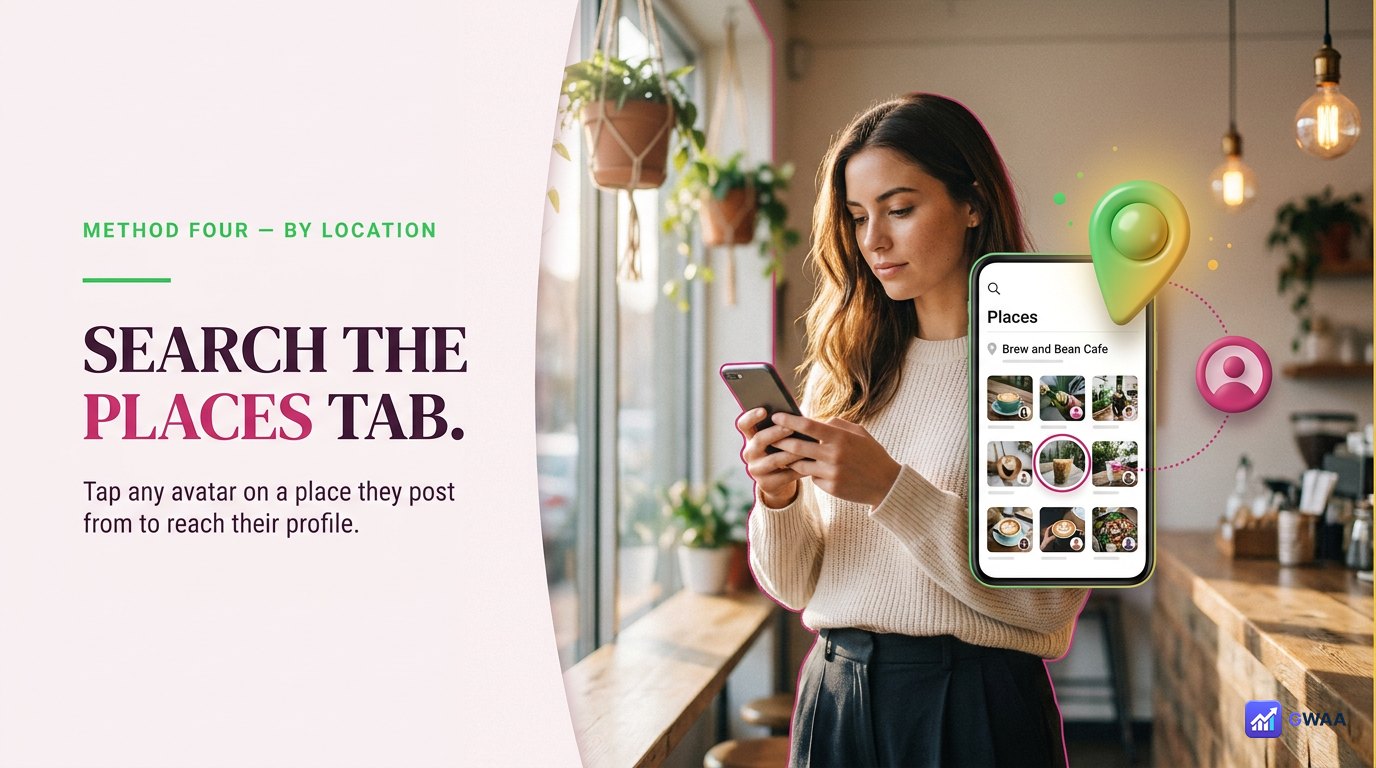
Instagram’s Places search lets you find profiles by location. If you know someone’s favourite spot (a gym, a café, a workplace, a hometown), search that location in the Places tab and browse the recent posts.
This works best for people who consistently post from a specific location. Photographers tagging shoots, fitness creators tagging gyms, food bloggers tagging restaurants. Tap any post’s avatar to jump to that profile.
It’s also useful for finding people who post about events or places without knowing them personally — search the wedding venue, conference, or trail head, and the people who attended often appear in the location feed.
Method 5: Reverse-image-search to find their Instagram
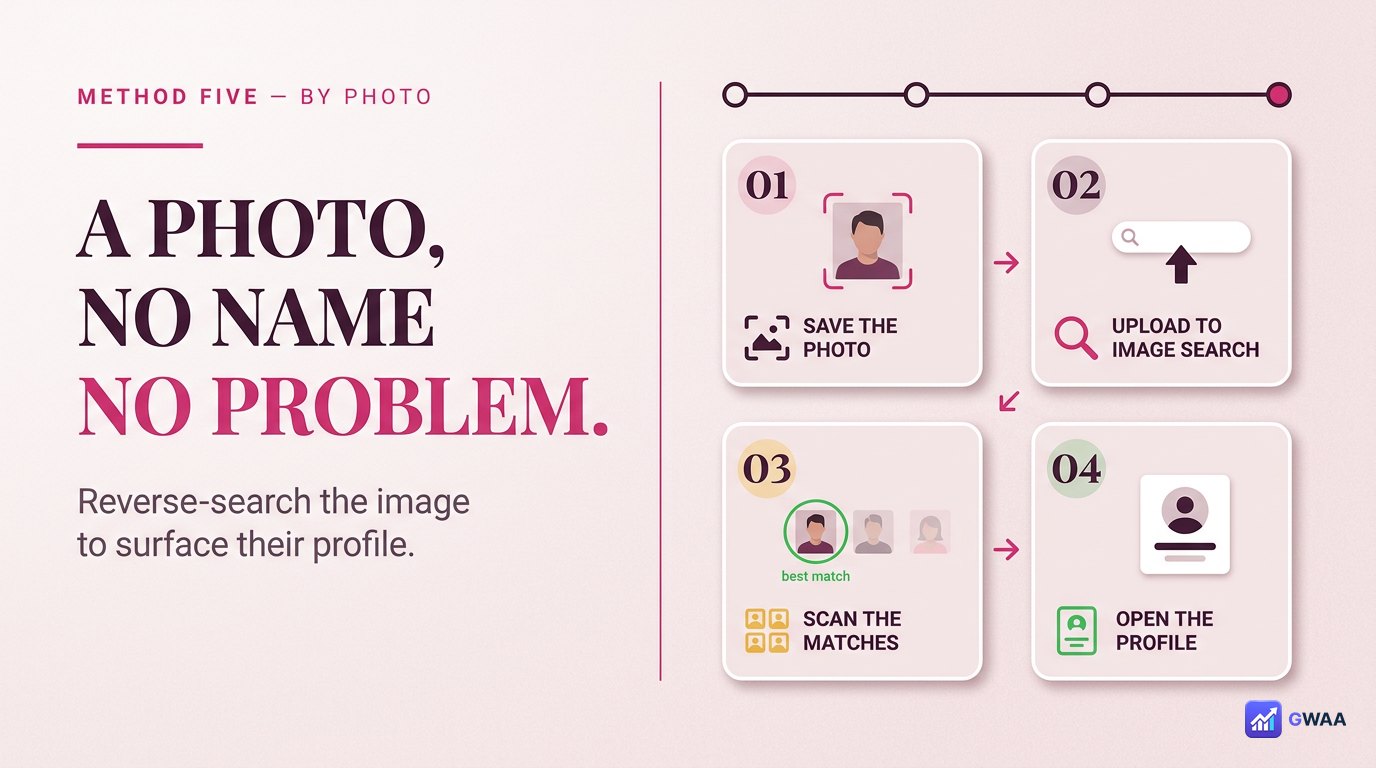
If you have a photo of someone but no name, no email, no phone, reverse-image-search can sometimes find their Instagram profile. The workflow:
- Save the photo to your computer.
- Open Google Images, click the camera icon, upload the photo.
- Look through the results for Instagram profile URLs — if the same person used this photo as their Instagram profile picture or posted it, the result links may include their profile.
Success rate is variable. It works when the photo is distinctive and the person has used it across multiple platforms. It doesn’t work for casual snapshots that exist only in one place.
From other platforms — their bios often link

Most active social media users link their accounts across platforms. If you can find them on any platform, you can usually find their Instagram from there:
- TikTok bio. The link section usually includes Instagram for creators. Same person across both platforms with matching usernames is common.
- LinkedIn profile. The Contact Info section often lists Instagram for younger professionals and creative-industry workers.
- Twitter/X bio. Either a direct Instagram link or a Linktree that includes Instagram.
- YouTube channel about page. Almost always lists Instagram for channels with any social presence.
Search for them on whichever platform you have a lead on, then cross-reference. The username pattern is often consistent across platforms (@username on TikTok = @username on Instagram for ~70% of users).
When the obvious username doesn’t work — common variants

If you have a name lead but the obvious username doesn’t work, try these common variants:
- With a dot. @emma.rodriguez instead of @emmarodriguez.
- With underscores. @emma_rodriguez or @emma__rodriguez.
- With profession suffix. @emmarphotos, @emmar.creates, @emmarodriguezart.
- With city suffix. @emmarbrooklyn, @emmar.nyc.
- With underscore prefix. @_emmarodriguez or @_emma_rodriguez.
Username availability constraints (Instagram requires unique usernames) push people toward variants. The most popular firstname.lastname combinations were claimed years ago, so newer users adopted these patterns.
Find through tagged photos on mutual friends

If you know someone connected to the person you’re trying to find, and that connection has a public Instagram, browse their tagged-photos section. People get tagged in friends’ posts constantly — weddings, birthdays, group shots, restaurant check-ins.
On a friend’s public profile, tap the tagged-posts tab (the icon shaped like a person below the bio). Browse for posts where the target person might appear, tap the photo, and tap the tag in the corner. The tag links directly to the tagged person’s profile.
This works particularly well for tightly connected friend groups where everyone tags each other constantly.
Respecting boundaries while searching

An honest acknowledgement that doesn’t get said enough: some people choose to be hard to find. They might use a username unrelated to their real name. They might keep their account private. They might have disabled contact sync entirely.
If your reasonable search effort (3-5 of the methods above) doesn’t find them, that’s usually a signal — not a failure of the methods. Respecting that signal matters:
- Don’t escalate to obsessive searching. Five methods is plenty. Trying twenty-five is stalking territory.
- Ask a mutual friend. Often the kindest and most effective path. “Hey, do you have Emma’s Instagram?”
- Accept if they decline. If a mutual friend says “She prefers to keep it private”, respect that. Privacy is a feature.
- Don’t create fake accounts to circumvent. If they’ve blocked you or set their account to private, creating a new account to circumvent is a violation, not a workaround.
The five-method checklist
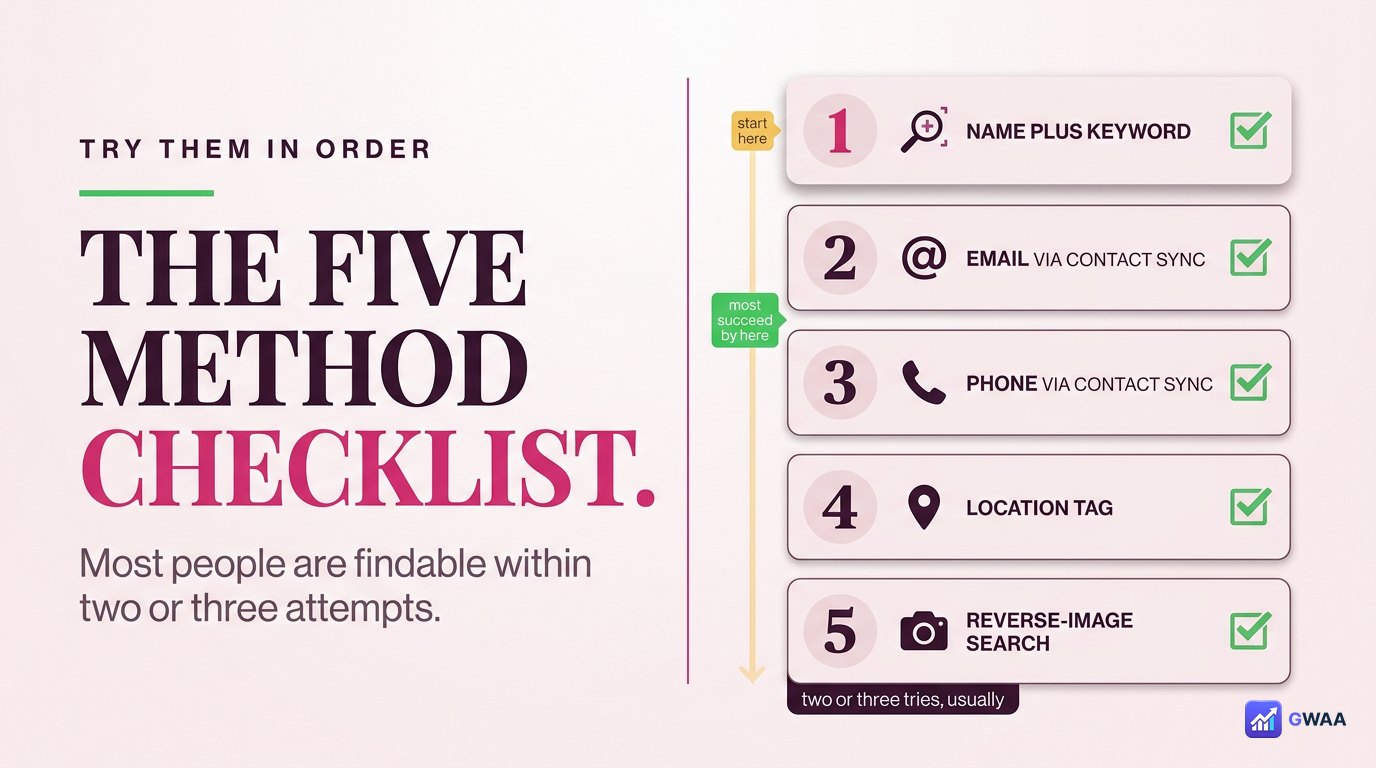
The recommended order:
- Try full name + niche keyword first. Fastest, works for most public figures and active users.
- Sync contacts if you have email or phone. Highest success rate when you have a contact detail.
- Check location tags for their hometown or workplace. Works for active local-posters.
- Cross-reference TikTok / LinkedIn / Twitter bios. Most active users link across platforms.
- Reverse-image-search a known photo as last resort. Variable success, slowest method.
Most people are findable within 2-3 attempts using methods 1-3. If methods 1-5 all fail, the person is either inactive on Instagram or deliberately hard to find.
When to stop searching
One useful heuristic: if you’ve tried 3-5 methods and haven’t found them, stop. The marginal return on additional searching drops sharply, and the line between “searching” and “stalking” becomes clear at some point.
If your reason for searching is reconnecting with someone you lost touch with, ask a mutual friend or send a message through a different channel (email, LinkedIn, mutual contact). That’s often faster than continuing to search, and signals respect for their choice.
If your reason for searching is research (e.g., looking up someone before a meeting), 3-5 methods is enough. Going beyond suggests the research has tipped into surveillance.
Five methods, ranked by success rate

The playbook in five numbers: 1 name + keyword. 2 email. 3 phone. 4 location. 5 photo. Try in order; most people are findable in 2-3 attempts. The few who aren’t are choosing to be unfindable, and that choice is worth respecting.
Searching for people on Instagram is a normal social workflow. Done well, it’s reconnecting; done badly, it’s invasive. Five methods done in order is reconnecting; twenty-five methods done obsessively is the other thing. Stay on the right side.
When a username search returns nothing useful
The single most common search frustration: typing what you think is the right username and seeing “User not found”. Five possibilities to check before giving up:
- Spelling. Re-check capitalisation, periods, and underscores. Instagram usernames are case-insensitive but exact otherwise.
- Account deactivated or deleted. If the account was active recently and now shows nothing, it may be temporarily deactivated. Try again in a few days.
- You’ve been blocked. Their profile shows “User not found” even if the account is active. Try the URL in an incognito window or from a different account.
- They changed their username. Instagram allows username changes. The old one fails; the new one works. Look for clues in their other platform bios.
- It’s a slightly different variant. See the variants list above — with dots, underscores, suffixes.
A note on third-party “Instagram search” tools
Some sites advertise themselves as “Instagram people search” tools, claiming to find any account. The reality:
- Legitimate tools index public profiles. They’re glorified search engines for what’s already on Instagram’s public surface. Useful but rarely better than Instagram’s own search plus the methods above.
- Scam tools claim to bypass privacy. “Find any private account”, “Search hidden accounts” — impossible claims hiding behind survey funnels or password phishing.
- Spy apps are illegal and irrelevant. Phone monitoring software requires physical access to a target device and breaks wiretapping laws in most jurisdictions. Not a search tool.
The five methods above are sufficient for legitimate searches. If they fail, the answer isn’t a paid tool — the answer is usually that the person doesn’t want to be found, which is information in itself.
Related guides
- How to view Instagram profiles anonymously — once you’ve found them, view without leaving a trace.
- Best Instagram profile viewer tools 2026 — tools to research the profile once located.
- The honest truth about private viewers — if you find them but their account is private, here’s what to do.
- View Instagram highlights anonymously — once you’ve found them, research their highlight content without notification.
- The anonymous Instagram viewer playbook 2026 — broader context on Instagram research tooling.